 Repertorio
For salsa, bachata and kizomba teachers
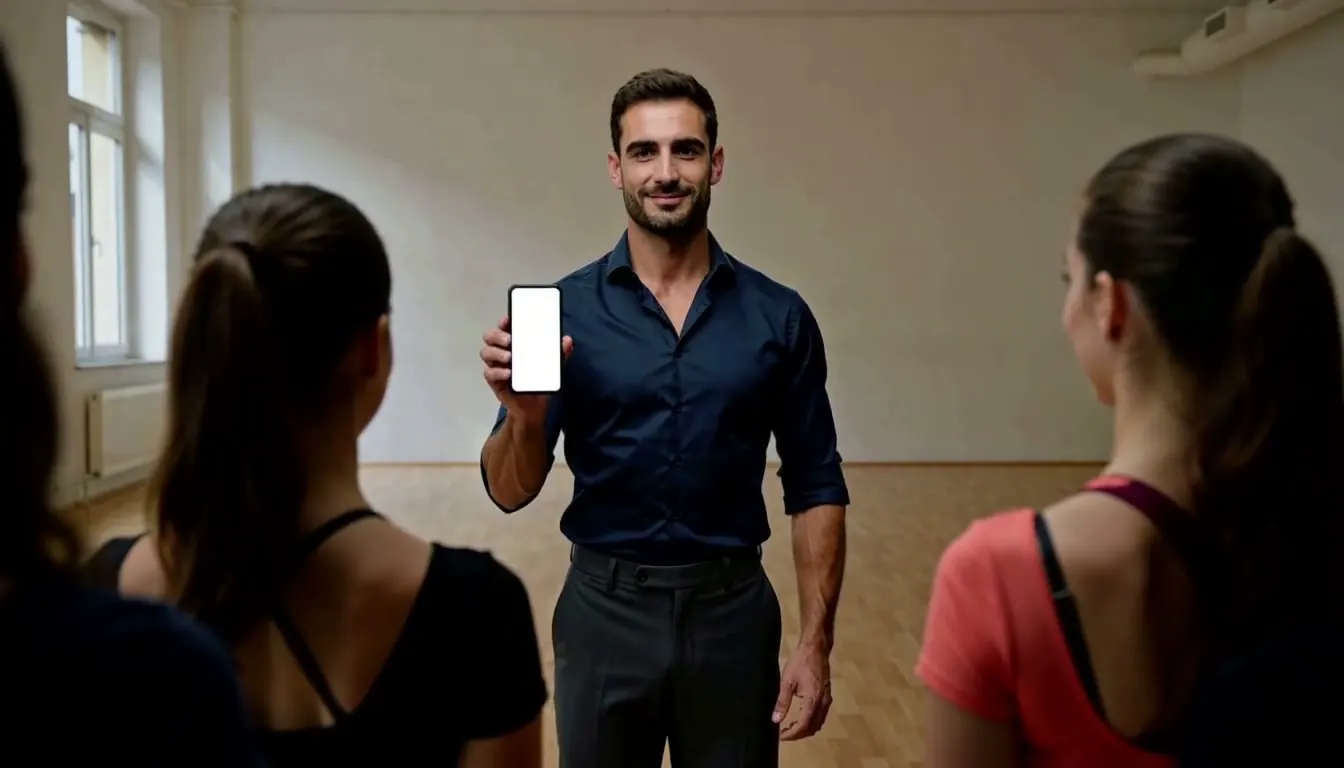
Your class doesn’t end when the music stops.
Film a few seconds at the end. Repertorio prepares the recap and the steps, and your students practise all week and come back on Tuesday with everything fresh.
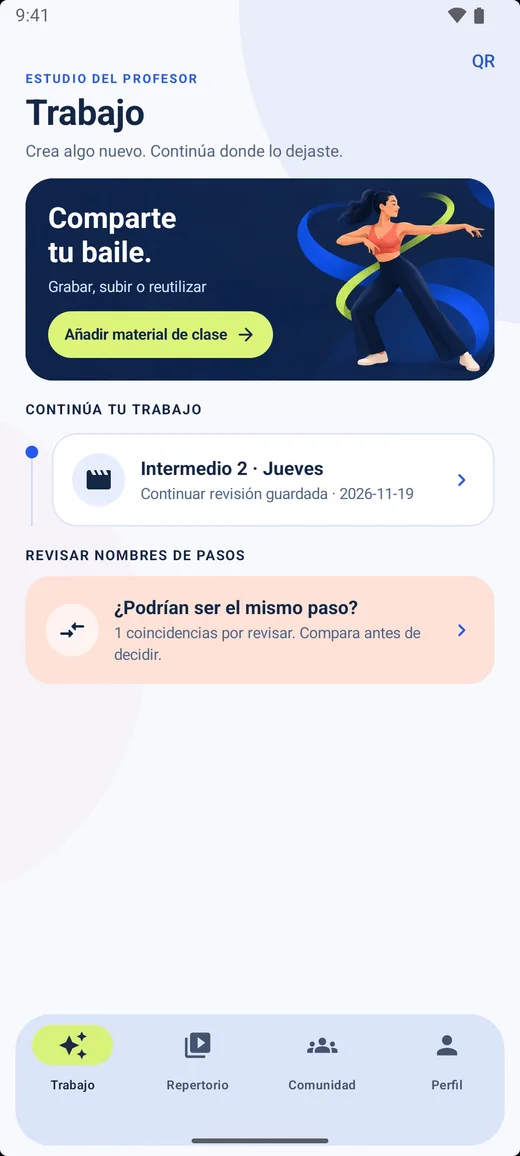
3 groups · 43 studentsDiego Ruiz · Salsa Madrid
Film, Review, Publish, Share your QR, Get paid monthly
Your part of the work
Three steps.
A few minutes per class.
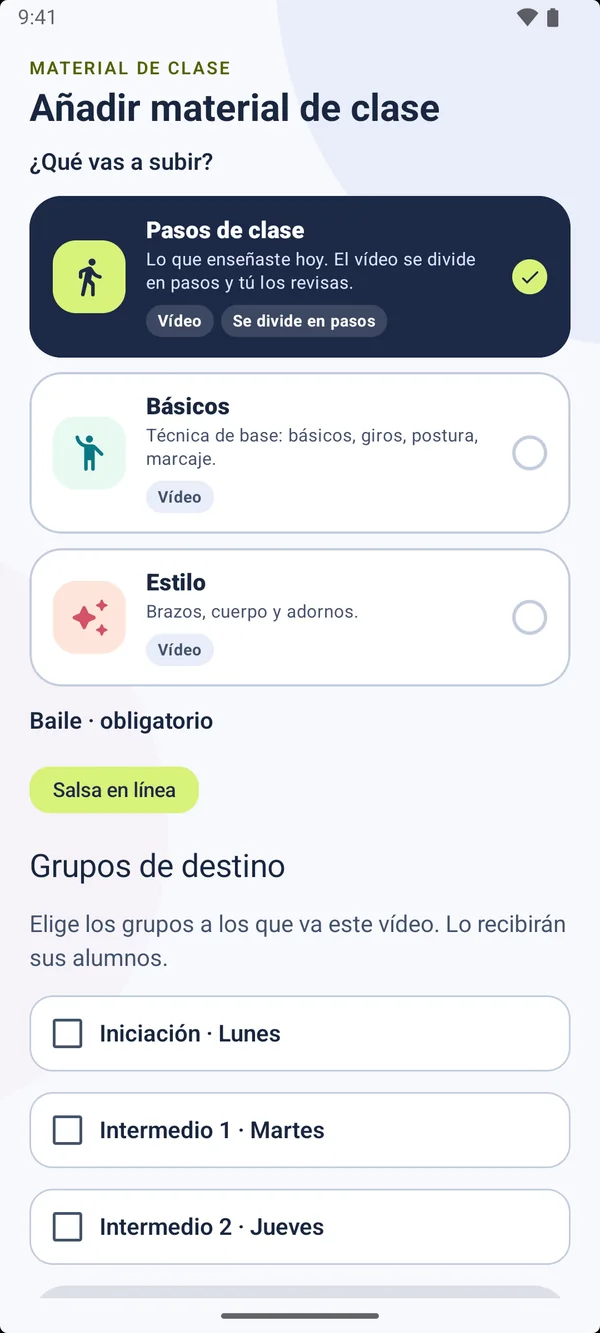
Film or upload
When you finish, film the moves of the day or upload a video from your gallery. You choose the dance and the groups that receive it.
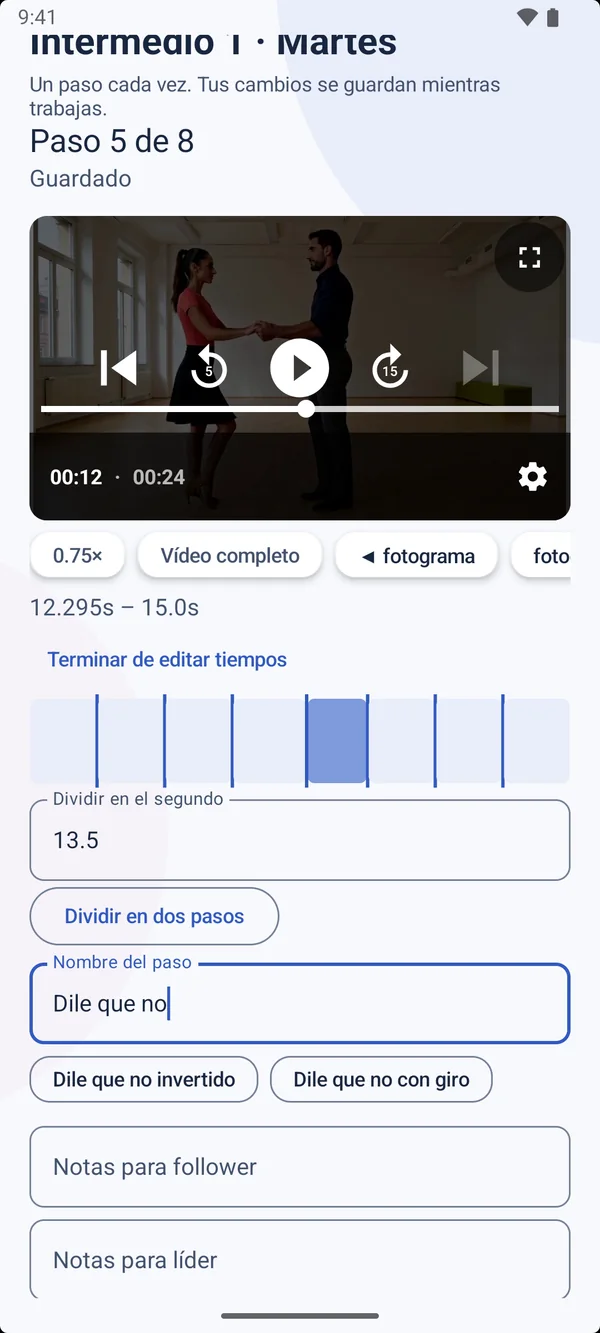
Review and name
The video arrives split into steps, with names suggested from your own repertoire. You decide each one and add notes for leader and follower.
Publish and share
Your students get the recap straight away. New ones join by scanning the QR of your channel or of their group.
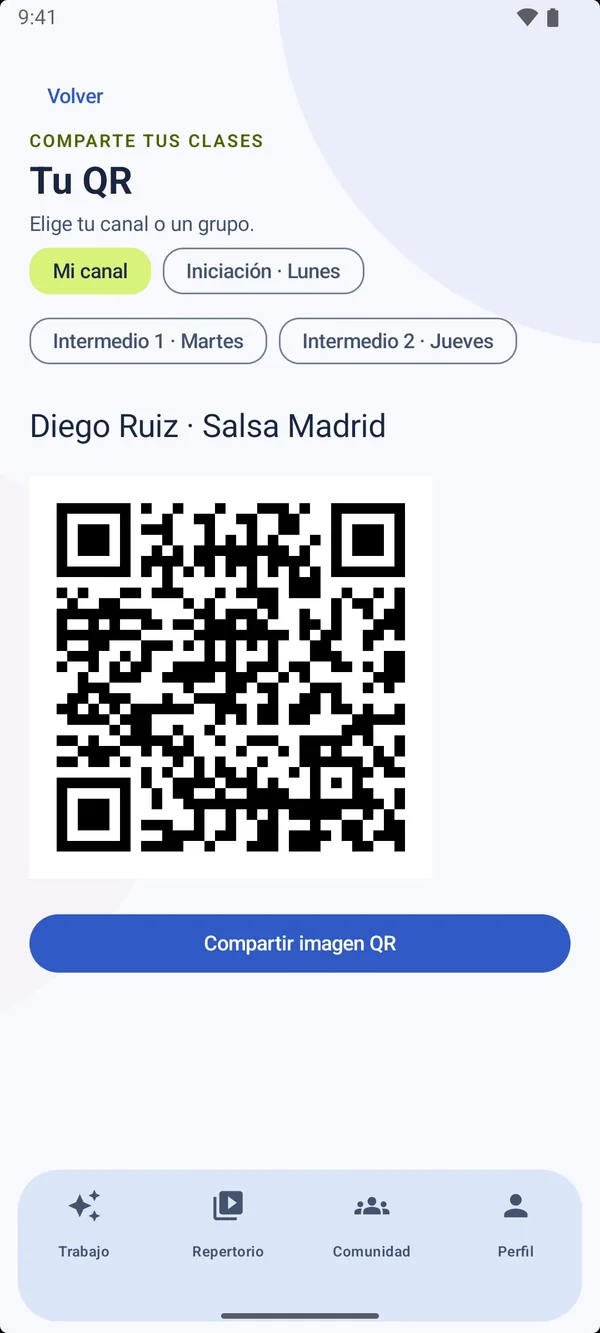

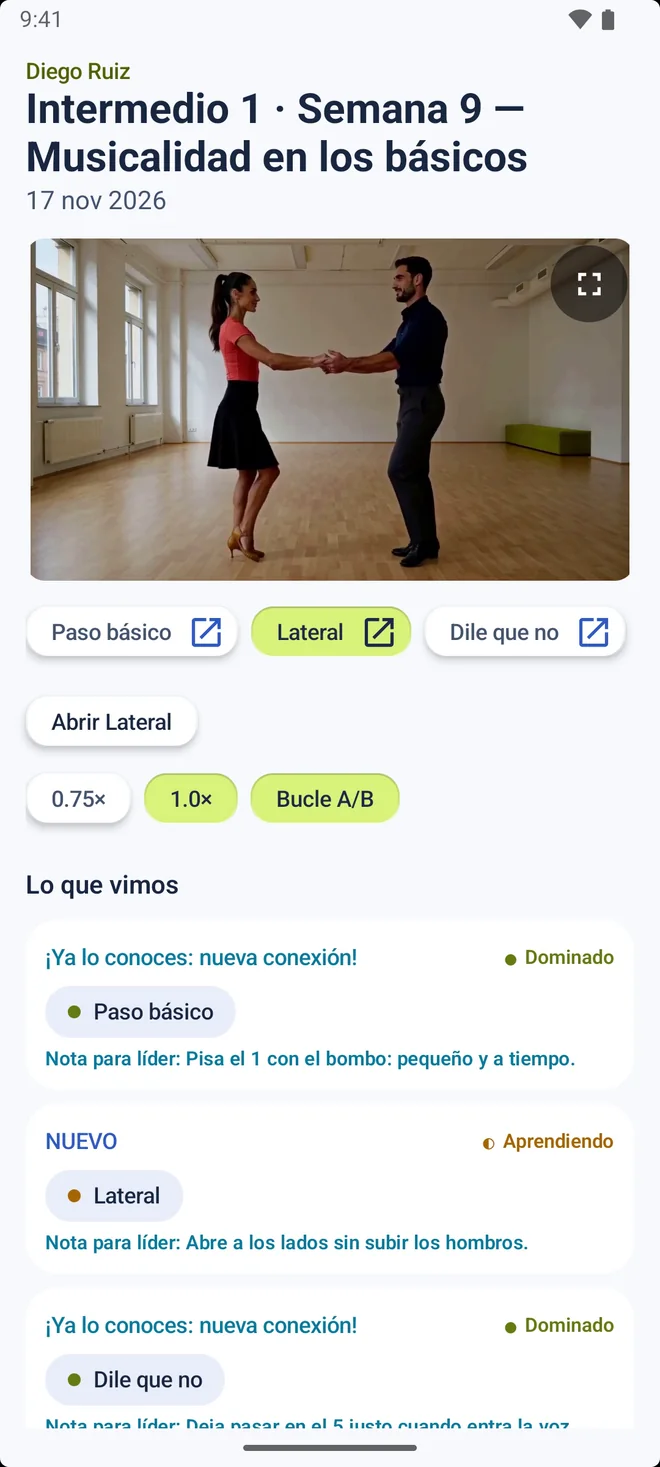
What your students receive
Your moves, with your notes.
Every class becomes a recap they can review move by move. No more stray videos lost in a group chat.
- Every move on a loop and in slow motion
- Your notes, different for leader and for follower
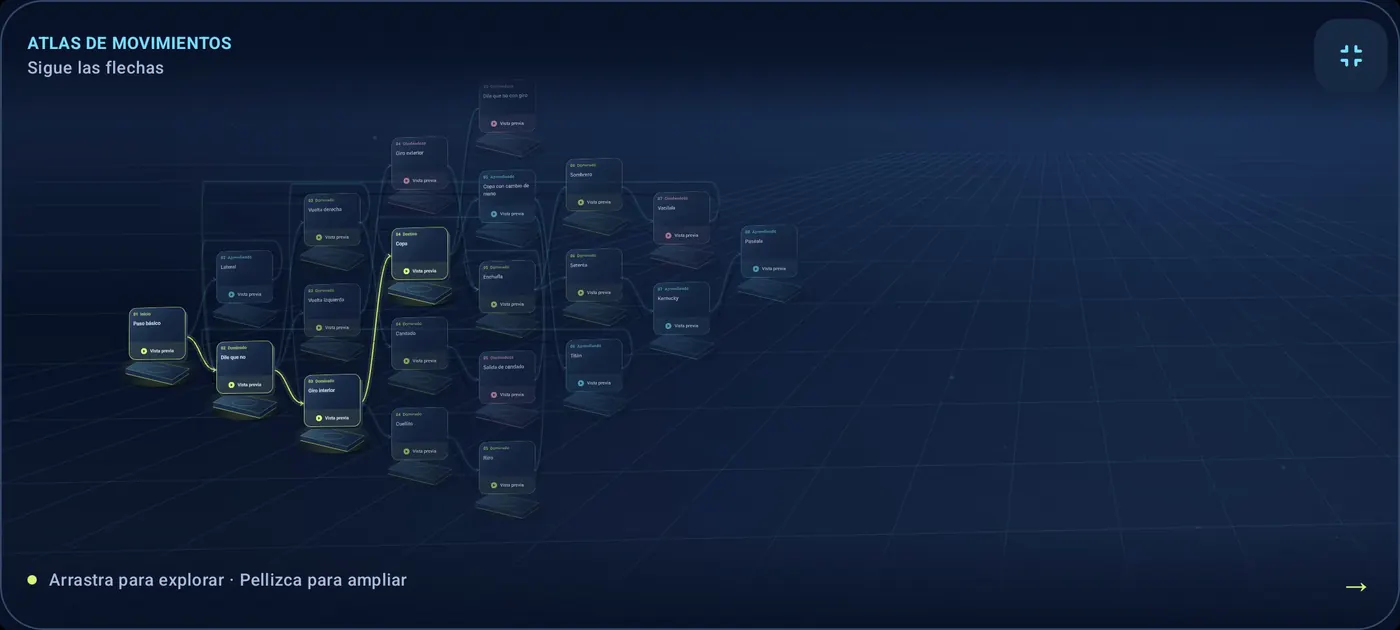
- A map of the connections you teach
- Guided practice so they don’t forget
Groups and announcements
Your school, organised by group.
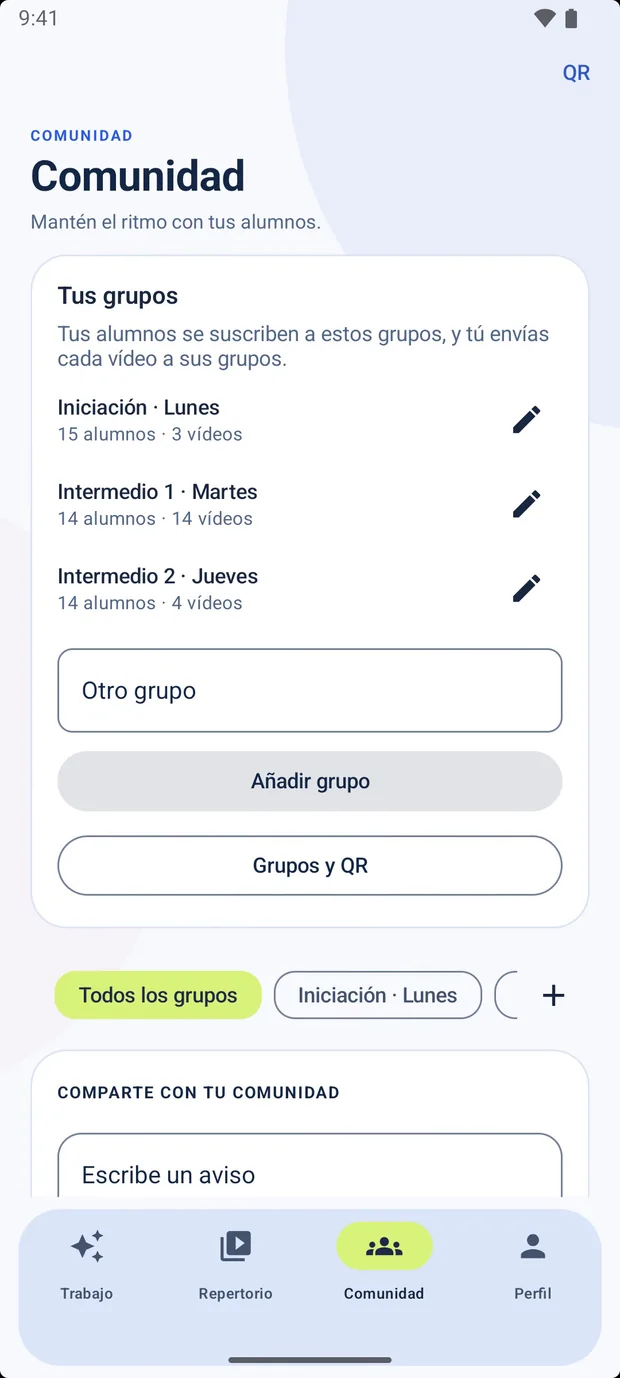
Name your groups the way you call them in class. Each video goes only to the people it is for, and every group has its own QR.
Community
Iniciación · Lunes,
Intermedio 1 · Martes…
Announcements
Post once and they see it when they open the app.
Teacher’s announcement
Diego Ruiz · Salsa MadridMusicality week! This Tuesday we go back to basics, but listening to the music: clave, tumbao and breaks.
Intermedio 1 · MartesYour income
50%
of the net revenue from every subscription is yours.
- 01Your students subscribe to your groups in the app
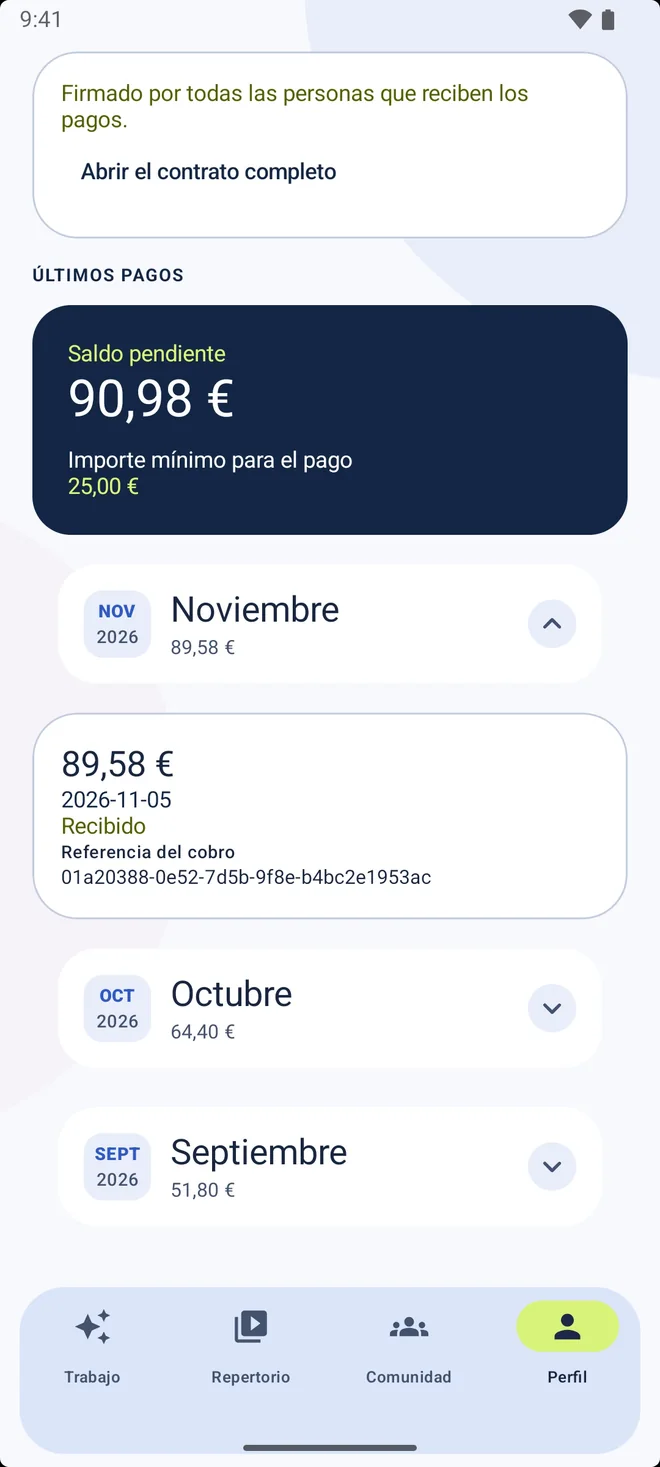
- 02You see your income and your balance month by month
- 03You receive each payout with its payment reference
43subscribed students
Novemberpayout received on the 5th
Example figures from a demo account.
Start with your next class.
all you have to do is film the end.
Coming soon to the App Store and Google Play.